Company Homepage
WHERE: San Ramon, CA
WHEN: June-September, 2019
ROLE: UX Designer
TOOLS: Adobe Xd, Ai, Ae
Project Purpose
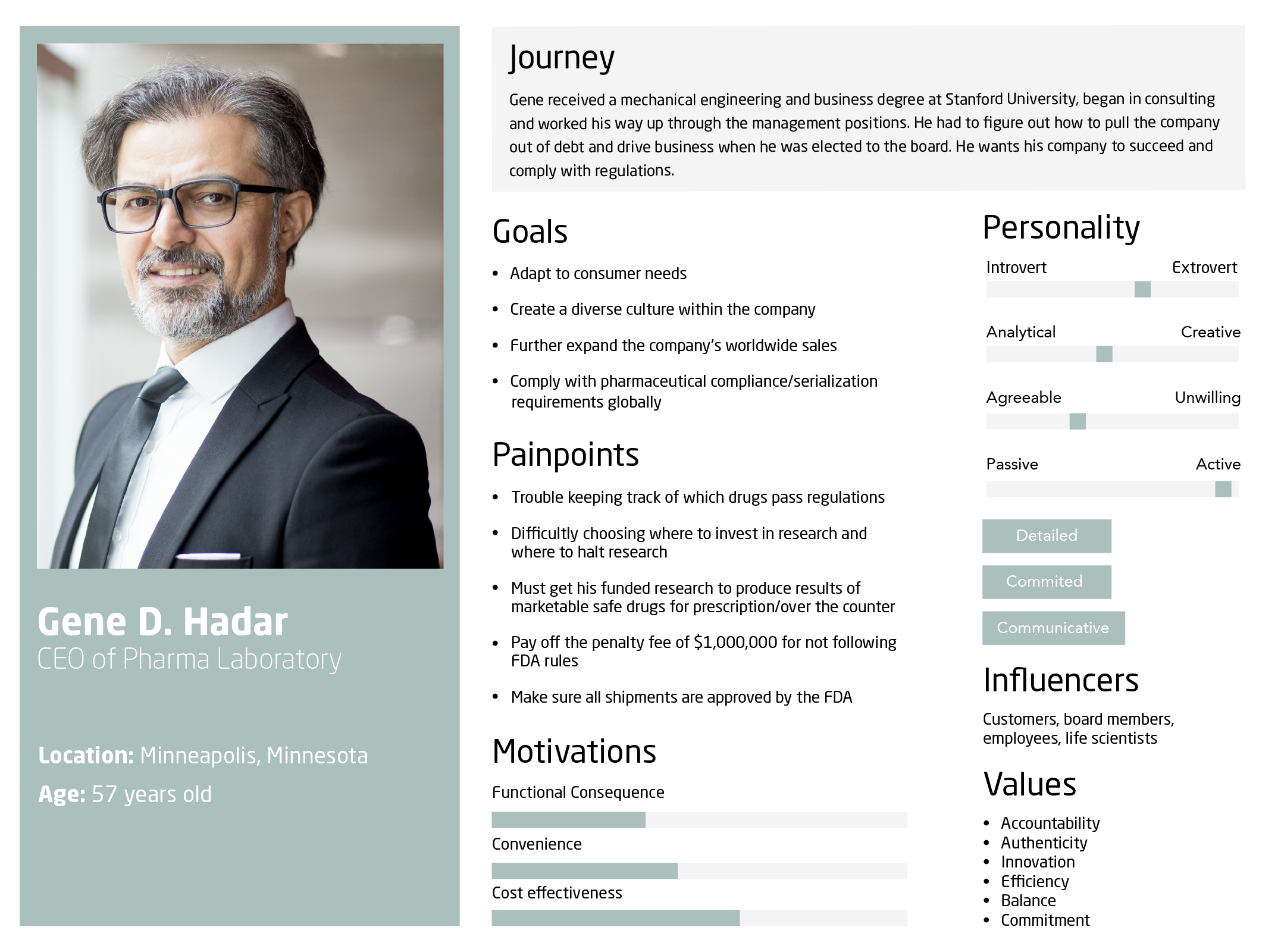
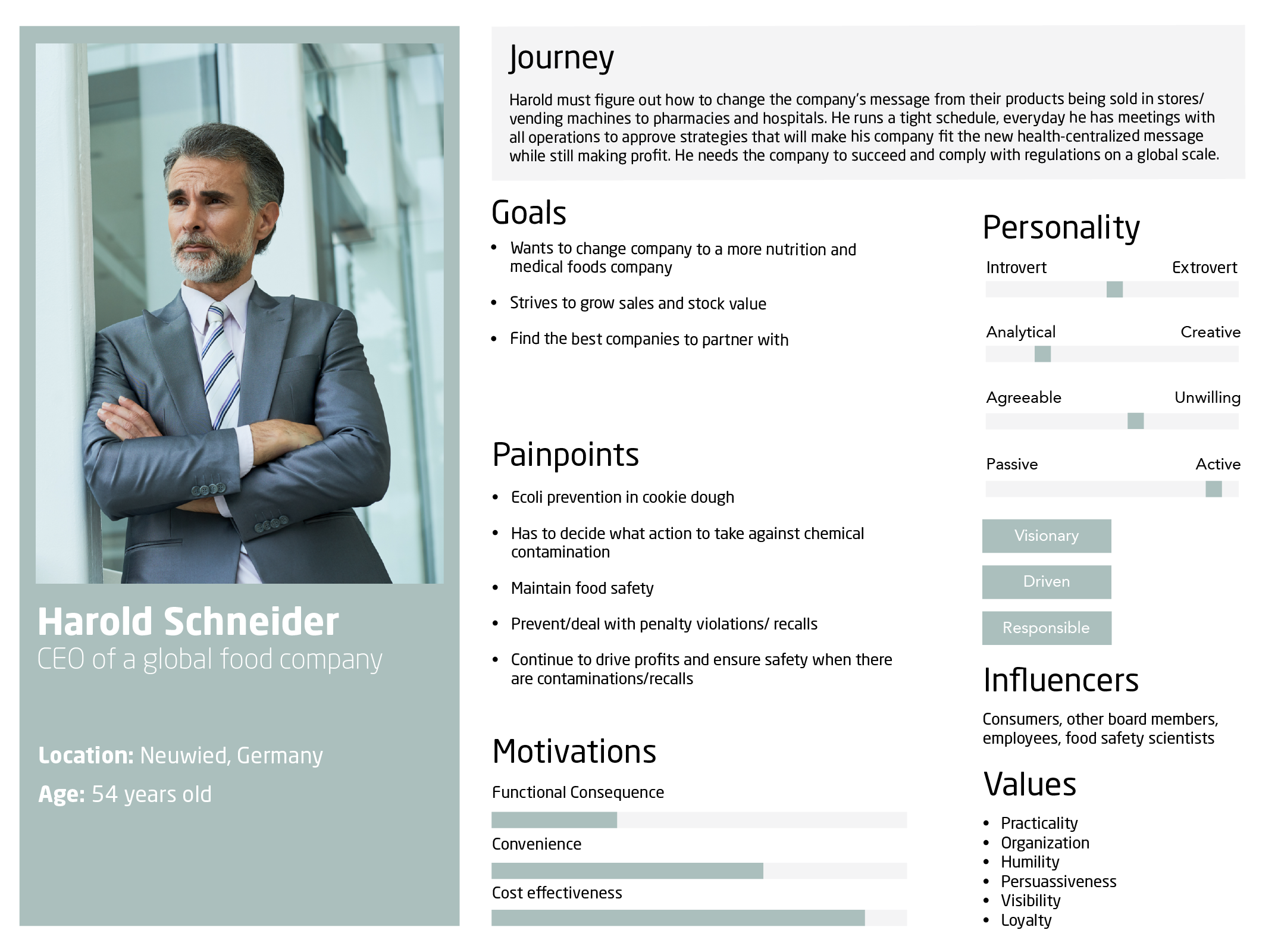
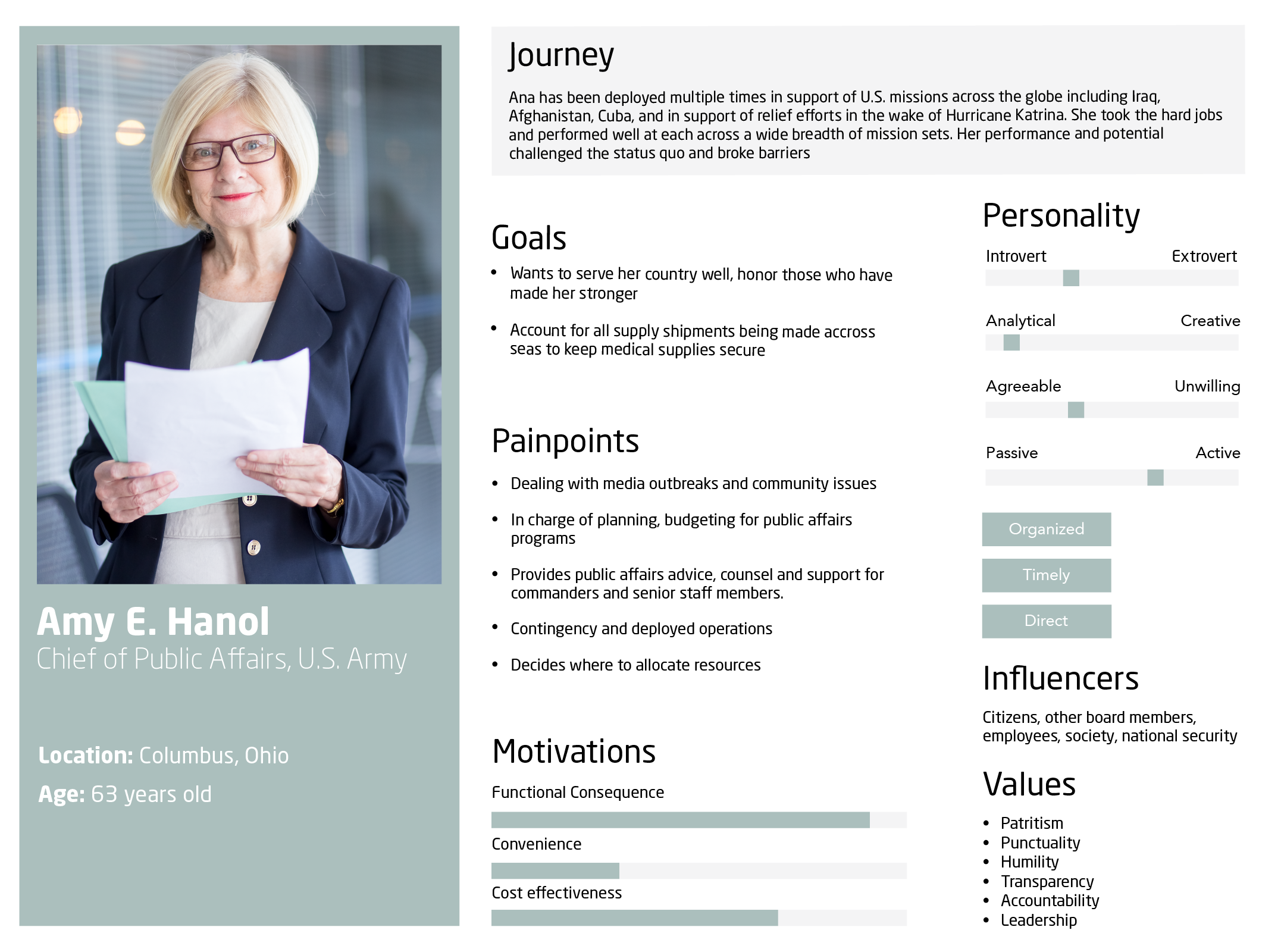
The main purpose of company website is to show customers how rfxcel can help their business. The last website was too pharmaceutical industry focused, making other potential customers feel like rfxcel only had solutions for companies in the pharmaceutical industry. The new website had to be inviting and engaging for people coming from all different industries rfxcel was expanding into. I wanted it to be inclusive and make sure there is a solution for everyone that comes to the page. Site visitors should know, based on the homepage, what rfxcel is, does, and how rfxcel can help. Inclusivity was the first obstacle I had to tackle when defining what felt too specific to one industry and what felt to general.
Personas
Ideation
After understanding the different types of users that would be coming to the page, I came up with a couple of ideas on how to engage users from multiple backgrounds. My first idea was having interactive web headers corresponding to various rfxcel industries in a “case-study carousel” rotating every few seconds. The idea was that each month the headers would be updated with new content to keep users engaged and coming back for more examples of success stories in multiple industries. The second idea was having the first header explain exactly what rfxcel does; then rotate through what rfxcel can do in every industry, customer quotes, awards received, and events being attended or hosted.
Below the header carousel, would be industry buttons which needed top priority when it came to visual hierarchy because those hot buttons linked to pages with solutions are industry specific. This is important because each field of work has its own requirements and regulations that rfxcel works to accommodate in their customer specific software solutions. In addition to my list of hot buttons was the request pricing button. Because the amount of user engagement clicks the button was receiving on the original site, my product manager and I decided it was smart to keep it on top right part of the page. The request pricing button helps users to easily ask for the cost of implementation and give them a place to simply list their contact information without having to scroll to the bottom. Other interactive features included in the design specifications of this project included picture animation on scroll, micro interactions such as button hovers, and a watch demo button that would link to a drop down demo video of a particular product.
Feel free to check out my Adobe Xd prototype on desktop, ask me more about this project, and view the live design below!